
PDF to Video in 60 Seconds: Free AI Converter (No Sign-up)
Quick Highlights:
- ⚡ Speed: Convert any PDF to video in under 2 minutes.
- 💰 Cost: Completely free with no account or sign-up required.
- 🎙️ AI Voice: High-quality narration generated automatically from your content.
- 📱 Social Ready: Supports 16:9, 9:16, and 1:1 aspect ratios.
Turning a static PDF into an engaging video used to be a technical nightmare. Today, pdftovideo.app makes it effortless.
Whether you're an educator, marketer, or content creator, you can now transform documents into videos that people actually want to watch.
#🚀 How to Convert PDF to Video (3 Simple Steps)
Step 1Upload Your PDF
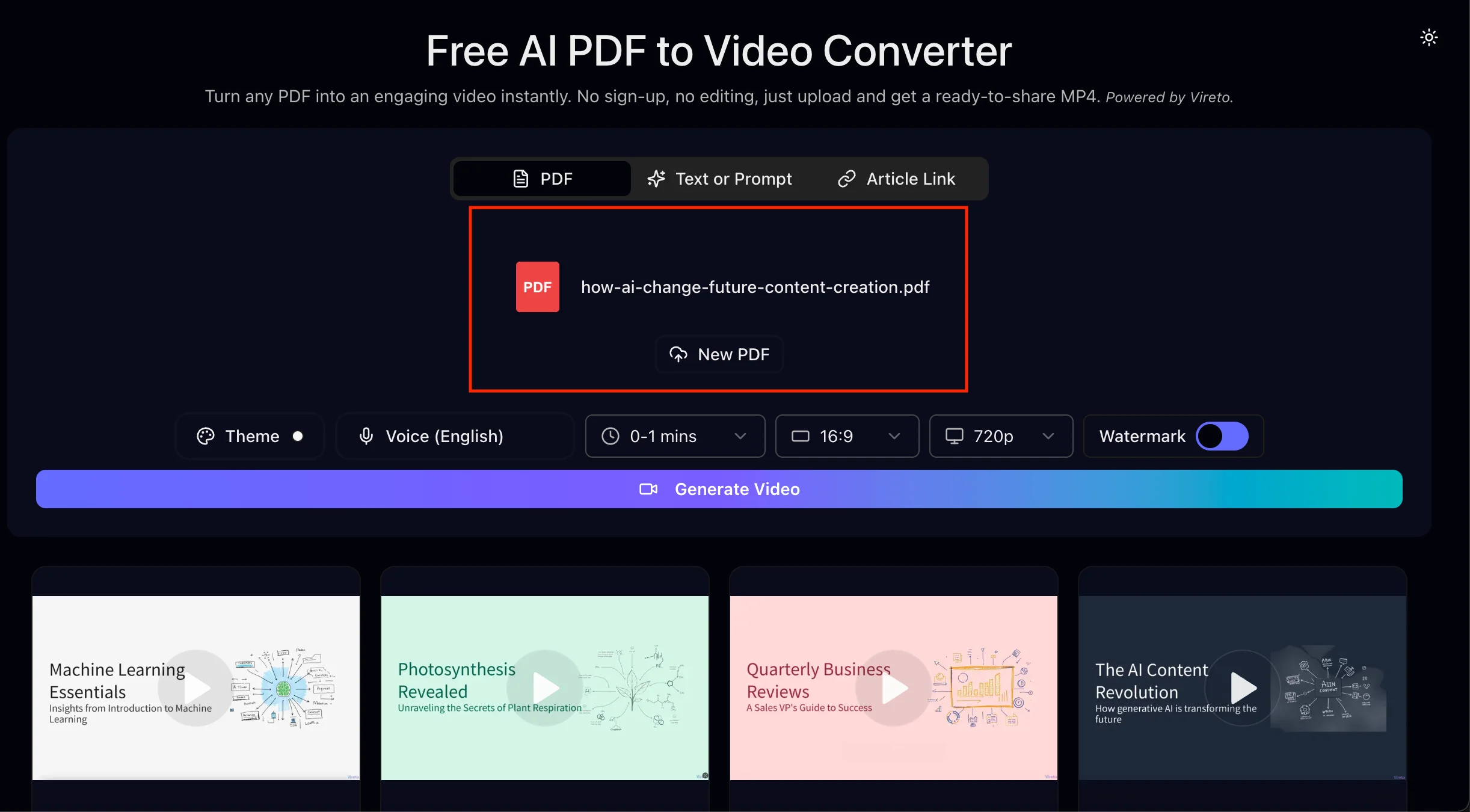 Upload PDF to Video
Go to pdftovideo.app and drag your file into the upload zone. The AI will immediately begin analyzing your document's structure, headings, and key points to build a logical video storyboard.
- Best for: Lecture notes, blog posts, whitepapers, and reports.
- Pro Tip: Clear headings in your PDF will result in better scene transitions.
Step 2Review and Customize
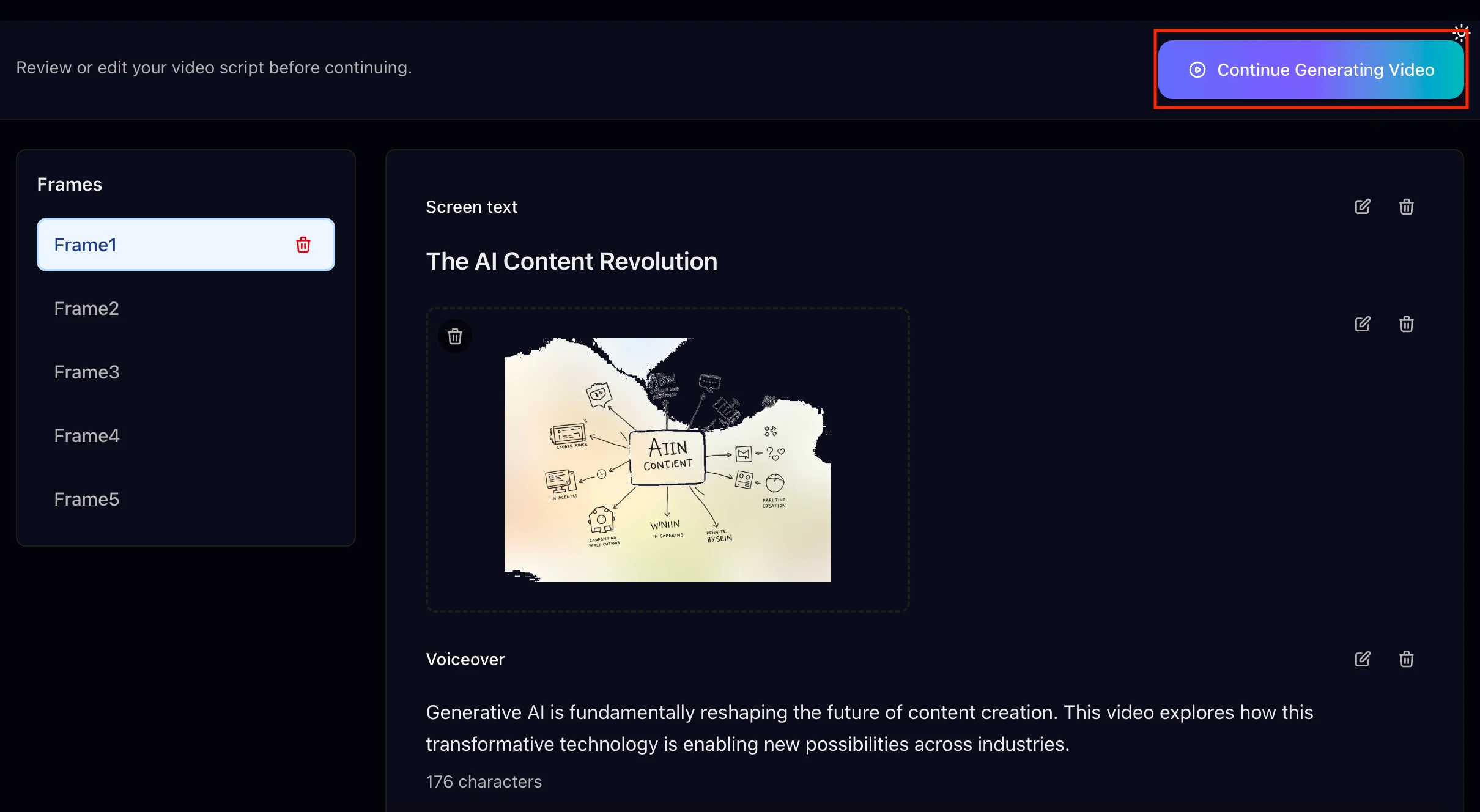 Edit AI Video Script
Once uploaded, you'll see a draft of your video. Each section of your PDF becomes a video frame with its own script and visuals.
You can easily customize:
- 🎤 AI Voice: Choose from various styles and languages.
- ⏱️ Pacing: Speed up or slow down each scene.
- 📐 Layout: Switch between YouTube (16:9) or TikTok (9:16) formats.
Step 3Generate and Download
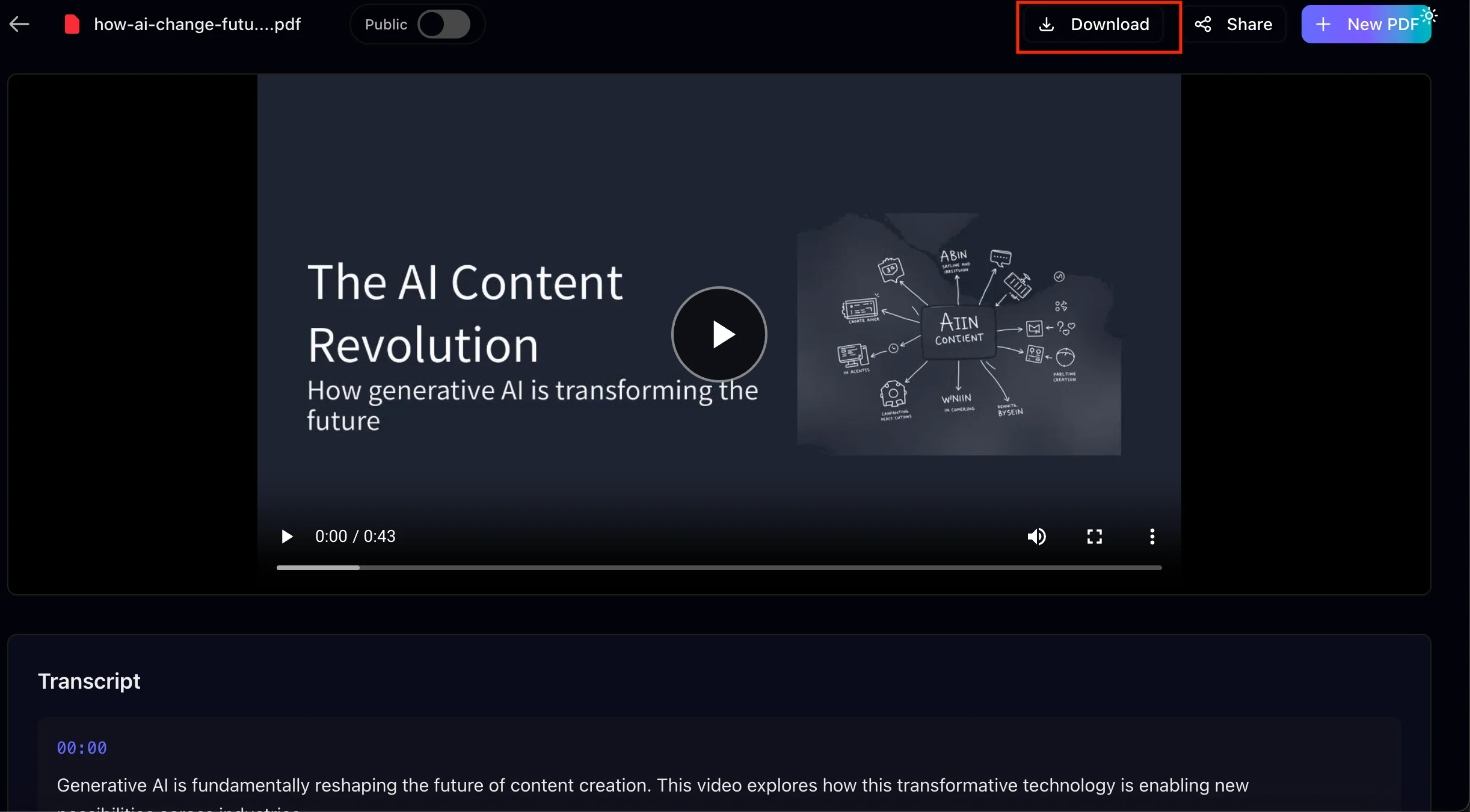 Generated PDF to Video Preview
Happy with the preview? Click Generate Video. In seconds, your PDF is rendered into a polished MP4 video complete with smooth transitions and professional narration.
#📊 pdftovideo.app vs Manual Creation
| Feature | Manual Editing | pdftovideo.app |
|---|---|---|
| Time Cost | 2-4 hours | < 2 minutes |
| Complexity | High (Requires Pro Tools) | Zero (One-click) |
| Voiceover | DIY or Paid Talent | AI-Generated (Free) |
| Price | Expensive Subscriptions | 100% Free |
#🎯 Common Use Cases
- 🎓 Educators: Turn static study guides into narrated video lessons.
- 📈 Marketers: Repurpose whitepapers into eye-catching LinkedIn or Twitter clips.
- ✍️ Creators: Scale your video production by feeding your blog posts into the AI.
- 💼 Professionals: Summarize long meeting notes or reports for better team alignment.
#❓ Frequently Asked Questions
Is it really free?
Yes! No credit cards, no hidden tiers, no "free trial" catch. We want everyone to experience the power of AI video.Which video formats are supported?
We export high-quality **MP4** files. These are compatible with all modern platforms like YouTube, Instagram, and even LMS systems like Canvas.Can I change the AI voice?
Absolutely. You can select from a wide range of natural-sounding voices or even upload your own audio if you prefer.Is my data secure?
**Privacy is our priority.** Your files are processed securely and deleted automatically once the conversion is finished. We never store your documents to train AI models.How many pages can one PDF have?
Most standard documents (up to 50 pages) work perfectly. For extremely large files, we recommend splitting them for the best video flow.Ready to Convert Your PDF?
Turn your PDFs into engaging videos in seconds with our AI-powered converter. Perfect for content creators, educators, and marketers.
Try for Free